

Navigating the world of accounting software can be complex, especially when it's time to upgrade or switch systems. For many small to medium-sized businesses, the transition from Microsoft Office Accounting (MOA) to a more robust and versatile solution like BizSight 365 is a critical step toward enhanced efficiency and growth. This blog post will guide you through the process, highlighting the benefits and how to make the migration seamless.
Why Migrate from MOA?
Microsoft Office Accounting, while once a popular choice, has reached its end-of-life. Continuing to use outdated software can lead to several challenges, including security vulnerabilities, lack of support, and limited functionality. Upgrading to a modern solution like BizSight 365 ensures you stay ahead with cutting-edge technology and comprehensive features tailored to today's business needs.

Benefits of BizSight 365
BizSight 365 offers a wide array of benefits designed to streamline your accounting processes:
Comprehensive Functionality: From managing sales orders and invoicing to small business expense tracking software, purchasing, and inventory management software, BizSight 365 provides end-to-end solutions.
Cloud-Based Accessibility: Hosted on Microsoft Azure, BizSight 365 ensures 24/7 reliability, robust security, and easy access from anywhere in the world.
Global Reach: With multi-language and multi-currency support, BizSight 365 is ideal for businesses operating internationally, adhering to global standards like VAT.
Seamless Transition: Designed with MOA users in mind, BizSight 365 offers migration support to ensure a smooth transition to the new system.
Key Steps for a Smooth Migration
Data Backup: Before initiating the migration, back up your existing MOA data to prevent any data loss.
Planning: Planning the migration is crucial. Identify the data that needs to be migrated and the timeline for the transition. Consider running BizSight 365 in parallel with MOA for a period to ensure all data is accurately transferred.
Data Migration: Utilize the migration support provided by BizTechnologies to transfer your data to BizSight 365. This includes your customer data, vendor information, financial history, and inventory details.
Training: Familiarize yourself and your team with BizSight 365. Understand the new interface, features, and workflows.
Testing: After the data migration, thoroughly test the system to ensure all data has been accurately transferred and that the software functions as expected.
Go Live: Once you're confident with the new system, fully transition to BizSight 365. Monitor the system closely during the initial days to address any potential issues.
Features to Look Forward To
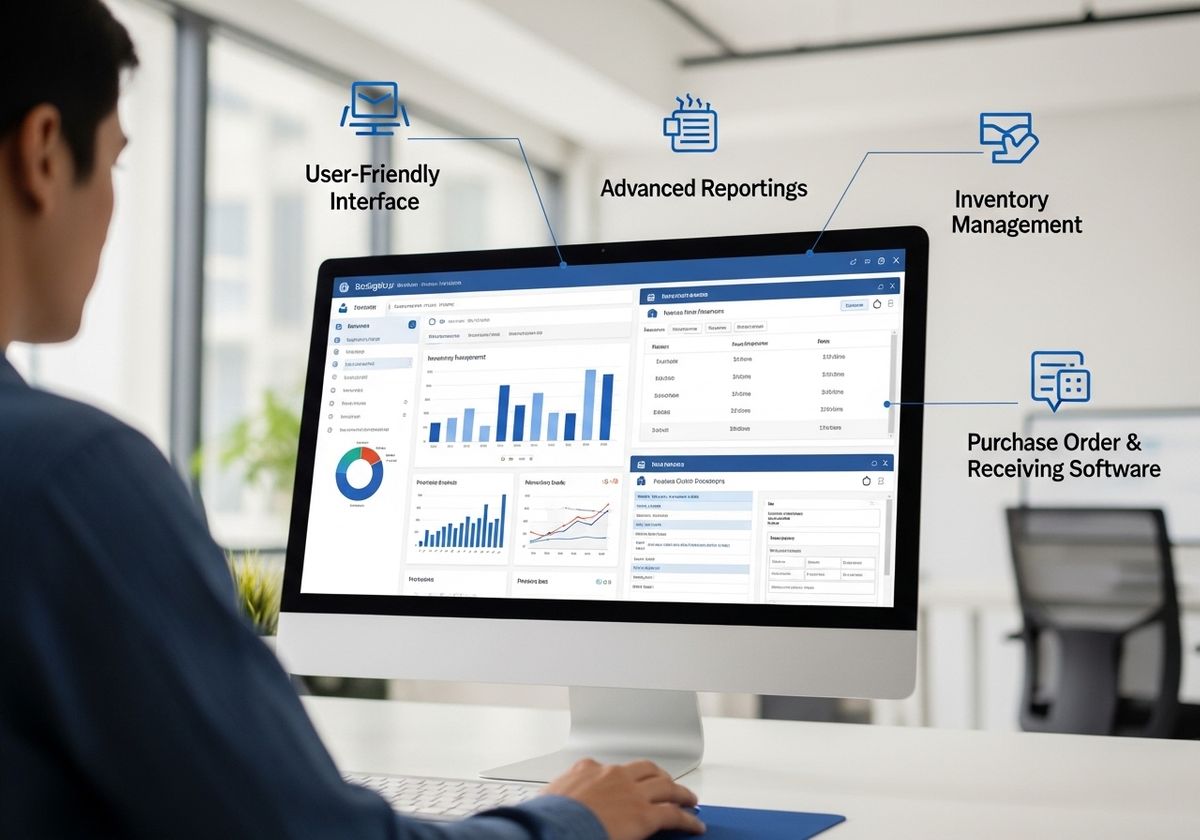
User-Friendly Interface: BizSight 365 is designed for ease of use, ensuring a smooth transition for you and your team.
Advanced Reporting: Generate detailed financial reports to gain insights into your business performance.
Inventory Management Software: Efficiently manage your inventory with real-time tracking and automated alerts.
Purchase Order & Receiving Software: Streamline your purchasing process with automated purchase orders and receiving functionalities.
Migrating from Microsoft Office Accounting to BizSight 365 is a strategic move that can significantly enhance your business operations. By following these steps, you can ensure a smooth and efficient transition, unlocking the full potential of your accounting software. BizTechnologies is dedicated to Helping Businesses Around The World with comprehensive solutions like BizSight 365. Contact us today to learn more about how we can support your migration and help you leverage the power of our innovative accounting software. Visit our website or call us for a demo and discover how BizSight 365 can transform your business.