
Choosing the right accounting software is a critical decision for any small business. It can streamline your financial processes, improve accuracy, and provide valuable insights into your company's performance. With so many options available, it's essential to understand what to look for to ensure the software meets your specific needs.

Assess Your Business Needs
Before diving into the available software, take a step back and evaluate your business requirements. Consider the following questions:
What is the size of your business, and how many users will need access to the software?
What specific accounting functions do you need (e.g., invoicing, expense tracking, payroll)?
Do you need industry-specific features?
What is your budget for accounting software?
Do you need purchase order software and inventory management software?
Understanding your needs will help you narrow down your options and choose accounting programs for small business that align with your business goals.
Key Features to Look For
Once you know your needs, you can evaluate different software based on their features. Here are some essential features to consider:
Invoicing: Look for software that allows you to create and send professional invoices, track small business expenses, and automate payment reminders.
Expense Tracking: Choose software that makes it easy to record and categorize expenses, track payments, and generate expense reports.
Bank Reconciliation: Ensure the software can connect to your bank accounts and automatically reconcile transactions.
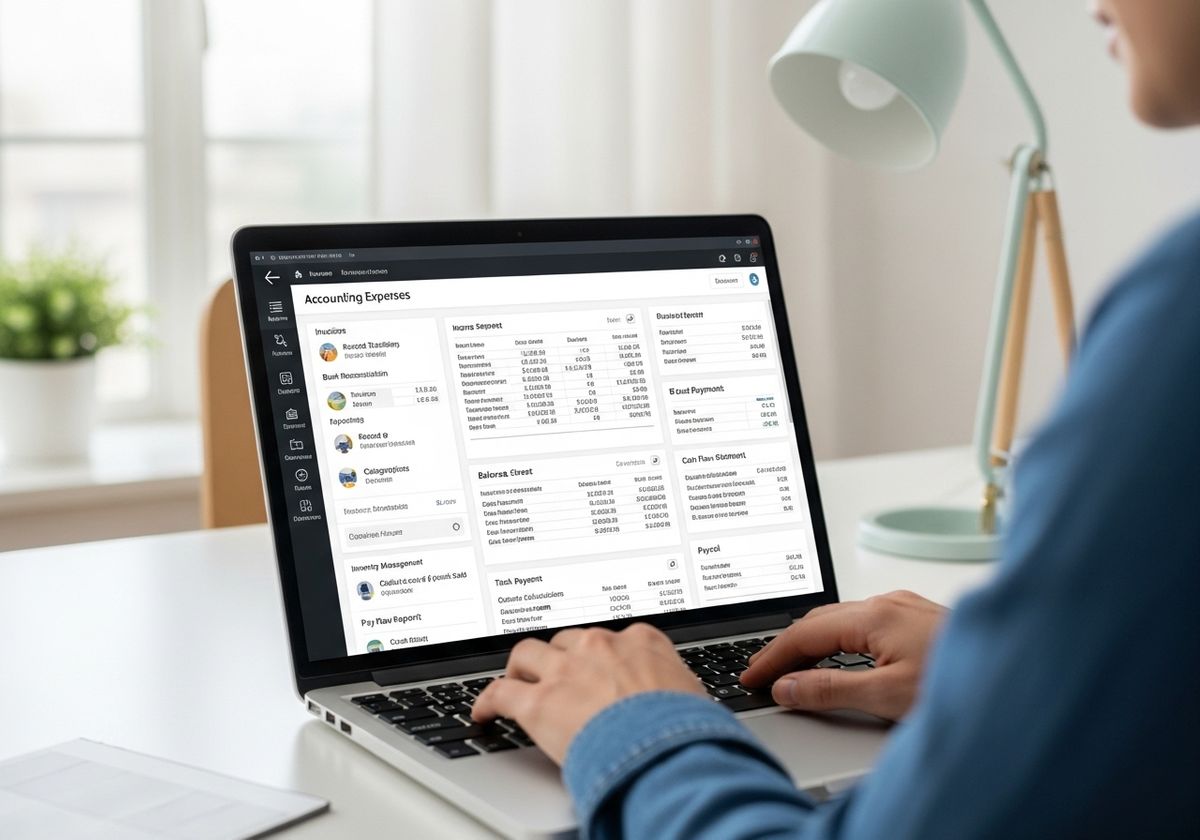
Reporting: Look for software that offers a variety of reports, such as income statements, balance sheets, and cash flow statements.
Inventory Management: If you sell physical products, choose software that can help you track inventory levels, manage orders, and calculate costs of goods sold.
Payroll: If you have employees, consider software that can handle payroll calculations, tax deductions, and payroll reporting.
Cloud-Based vs. On-Premise Software
One of the first decisions you'll need to make is whether to choose cloud-based or on-premise software.
Cloud-based software is hosted on the vendor's servers and accessed through a web browser. It offers several advantages:
Accessibility: Access your data from anywhere with an internet connection.
Scalability: Easily scale your software as your business grows.
Automatic Updates: Benefit from automatic software updates and maintenance.
On-premise software is installed on your own computers and servers. It may be a better option if you have specific security or compliance requirements.
Integration with Other Tools
Consider how well the accounting software integrates with other tools you use, such as your CRM, e-commerce platform, or payment processor. Integration can help you automate tasks, reduce data entry, and improve efficiency.
User-Friendliness and Support
Choose software that is easy to use and navigate, with a clean and intuitive interface. Also, make sure the vendor offers adequate customer support, including documentation, tutorials, and responsive support channels.
At BizTechnologies, we understand these challenges and offer comprehensive online accounting solutions like BizSight 365, designed for businesses of all sizes. We also provide migration support for users transitioning from Microsoft Office Accounting (MOA), ensuring a seamless transition to a modern, robust accounting system. Explore our offerings today to discover how we can help streamline your financial processes and drive your business forward! Contact us to learn more or schedule a demo to see our software in action.